Your Audiobooks, Everywhere
LectorLibros connects to your Audiobookshelf server for seamless audiobook streaming, offline listening, and progress tracking on iOS.
LectorLibros connects to your Audiobookshelf server for seamless audiobook streaming, offline listening, and progress tracking on iOS.
A native iOS audiobook player designed to work beautifully with your Audiobookshelf library.
Listen instantly via streaming, or download books for offline listening. Background downloads continue even while you browse.
Jump between chapters with ease. Per-chapter progress bars show exactly where you are in each section.
Full playback controls on your lock screen and control center. Works with AirPods, Bluetooth, and CarPlay.
Your listening position is saved automatically and synced with your Audiobookshelf server. Pick up right where you left off.
Full dark mode support that follows your system preference, or set it manually. Easy on the eyes for nighttime listening.
Browse and switch between multiple Audiobookshelf libraries. Sort by title or author, filter downloaded books.
Connect LectorLibros to your own Audiobookshelf server in under a minute.
Download LectorLibros from the App Store on your iPhone.
Tap the Settings tab at the bottom of the app. You'll see the server configuration section at the top.
Fill in your Audiobookshelf server URL (e.g., https://abs.example.com), username, and password. Tap Save & Test Connection.
Note: LectorLibros uses password authentication. If your server uses OpenID Connect (OIDC), you'll need to ensure password authentication is also enabled in your Audiobookshelf settings under Settings > Authentication.
Once connected, switch to the Library tab to see all your audiobooks. Tap any book to start listening or download it for offline playback.
A clean, focused interface designed for audiobook listeners.
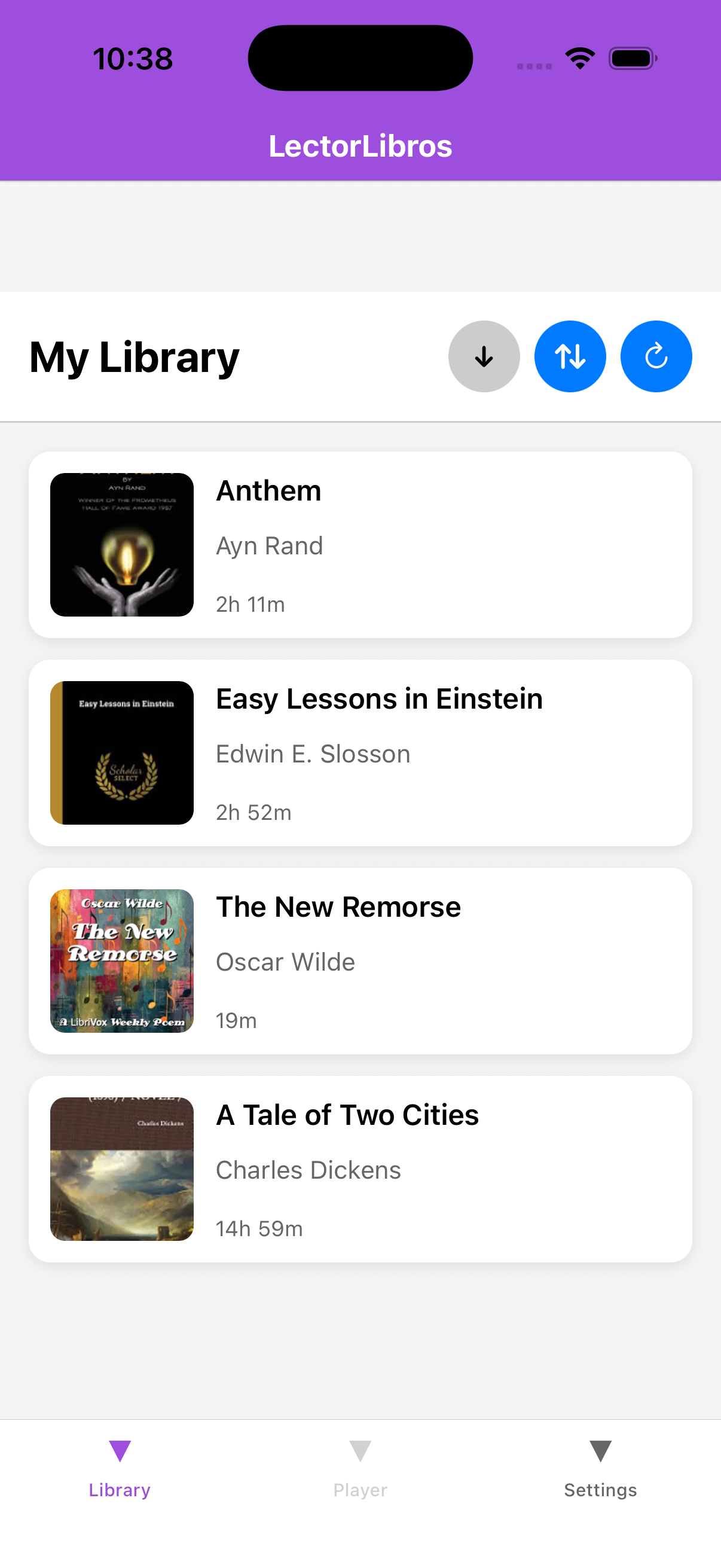 Library
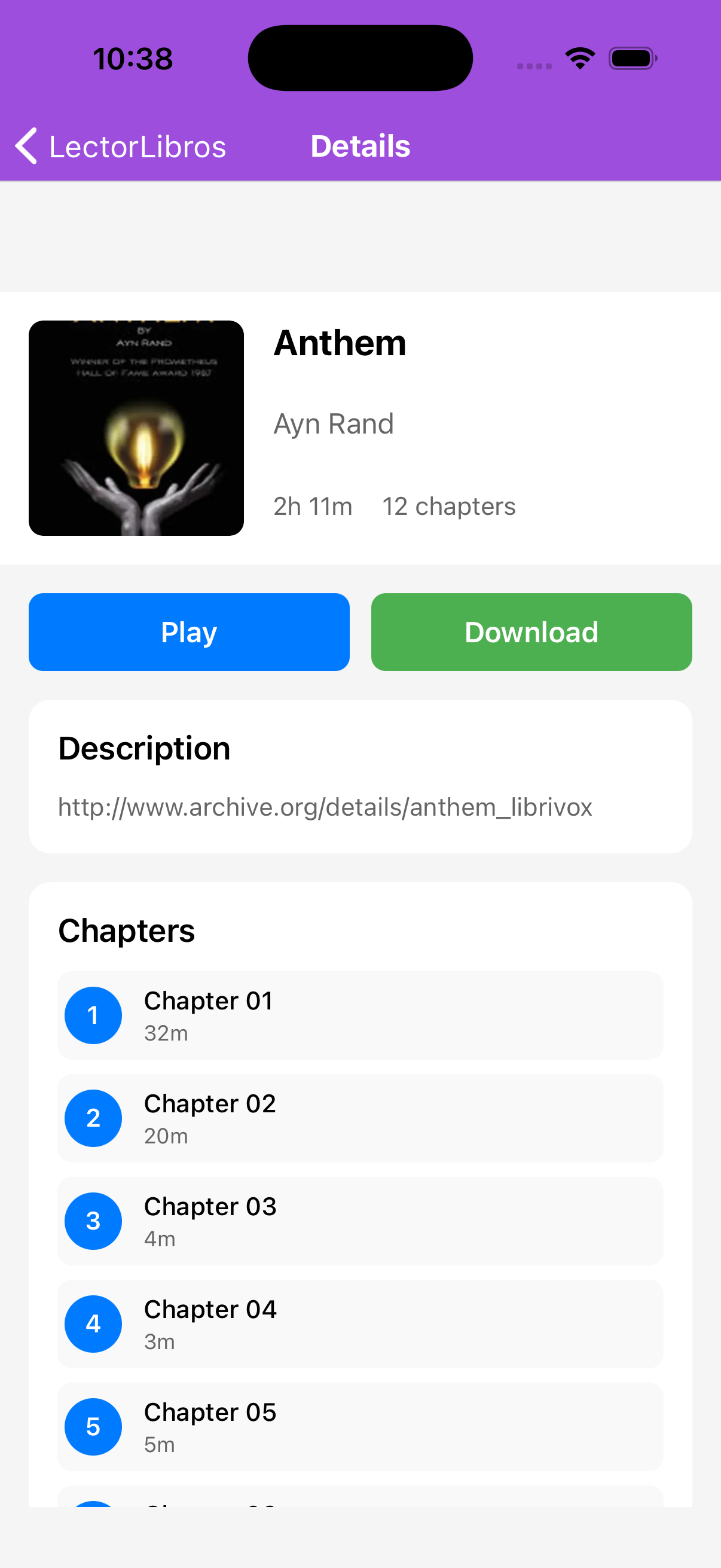 Book Details
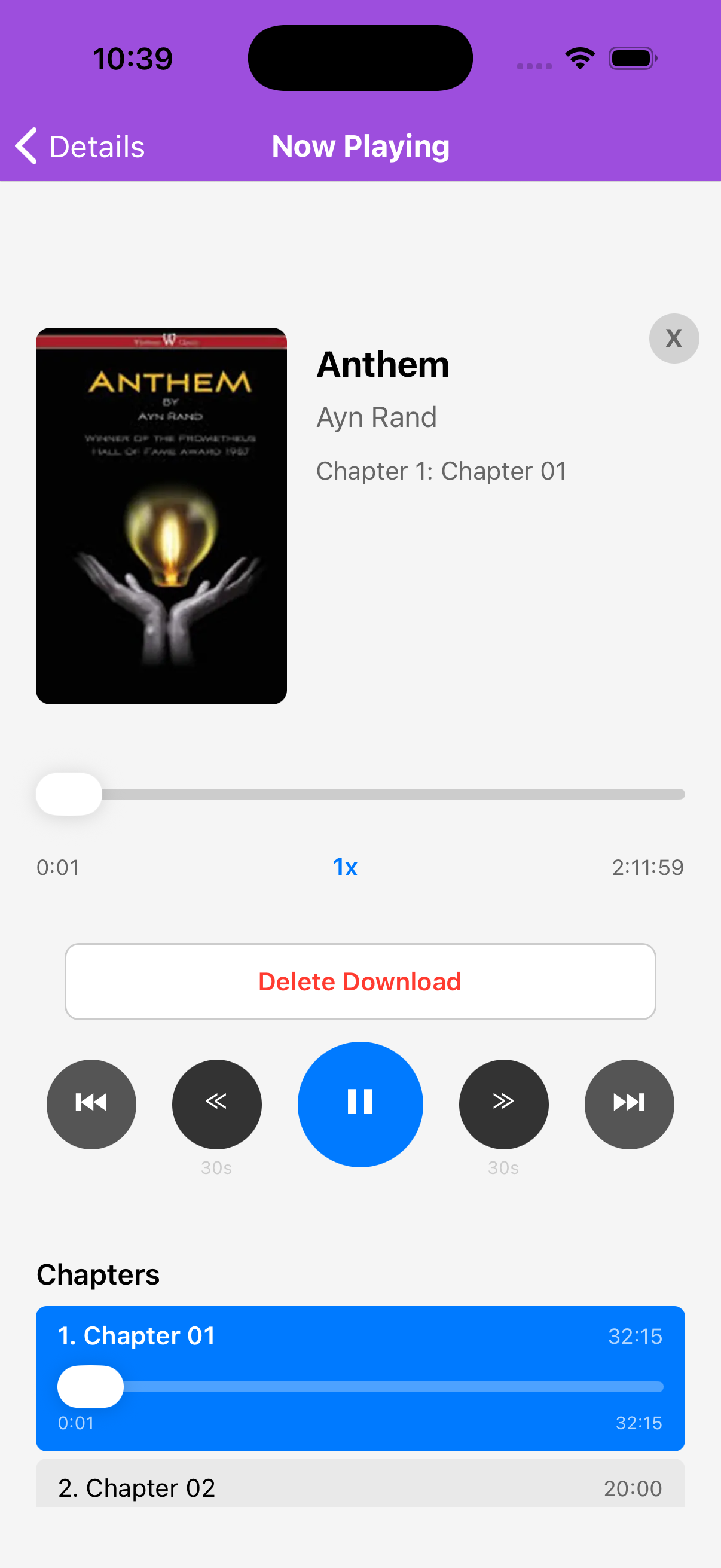 Now Playing
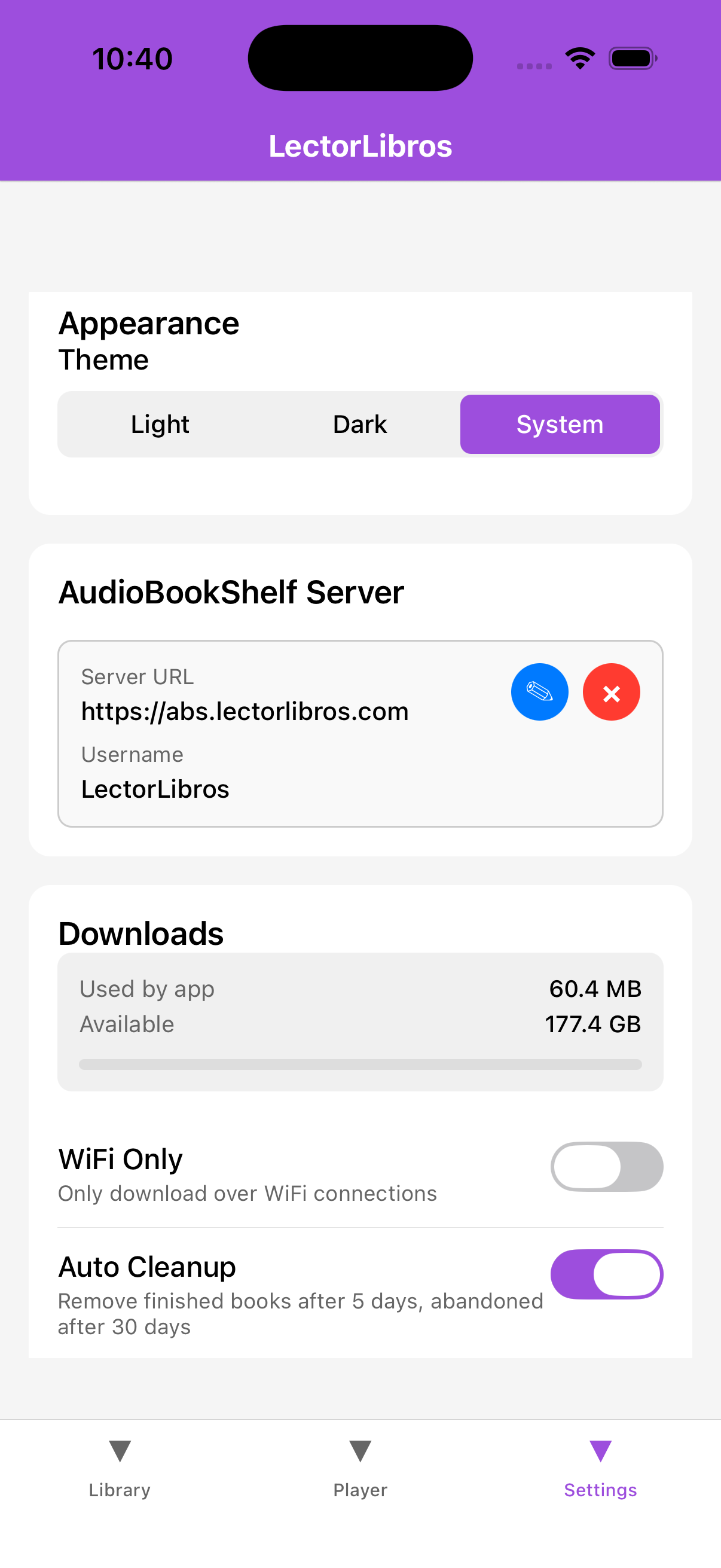 Settings
Everything you need to know about LectorLibros.